Anthropic Lets Claude Artifacts Install as Native Desktop Apps
Anthropic has added an "Install as app" option to Claude's interactive Artifacts, letting users install generated content as standalone desktop software on macOS and Windows. Installed apps get their own toolbar icon and tiered permissions covering notifications, keyboard shortcut interception, window overlays and even full computer access. The feature is in beta and rolling out gradually, moving Claude outputs from in-browser interactions toward persistent local applications.
Related Entities
Full Report
IT之家 11 月 25 日消息,Anthropic 宣布为 Claude 的交互式 Artifacts 功能推出“安装为应用”(Install as app)选项,允许用户将生成的应用作为独立软件安装到 macOS 和 Windows 桌面。
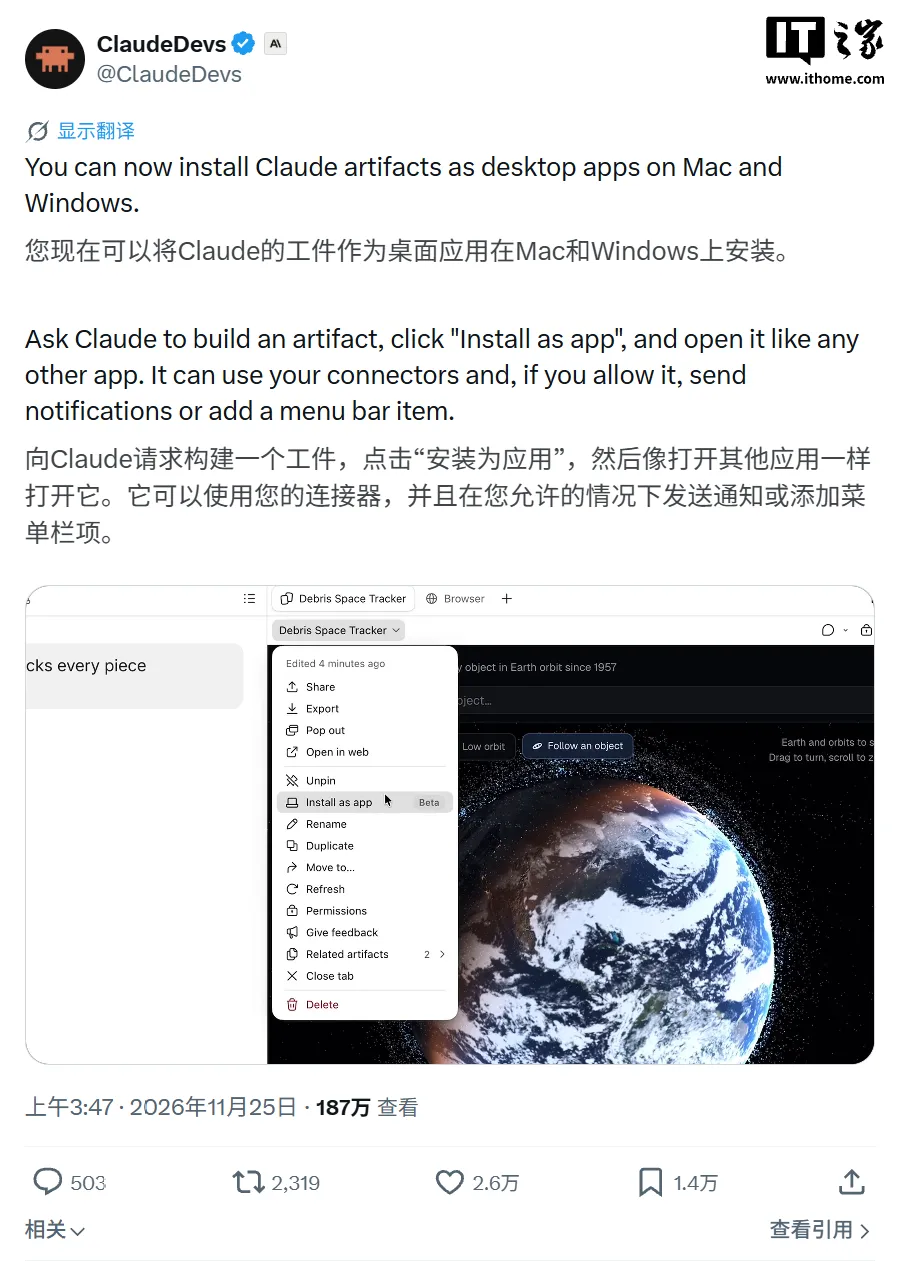
据 Anthropic 官方介绍,安装后的 Artifacts 应用将拥有独立的桌面工具栏图标,使用体验类似于将网页应用安装到电脑。用户无需每次通过浏览器标签页访问,即可直接启动相应应用。
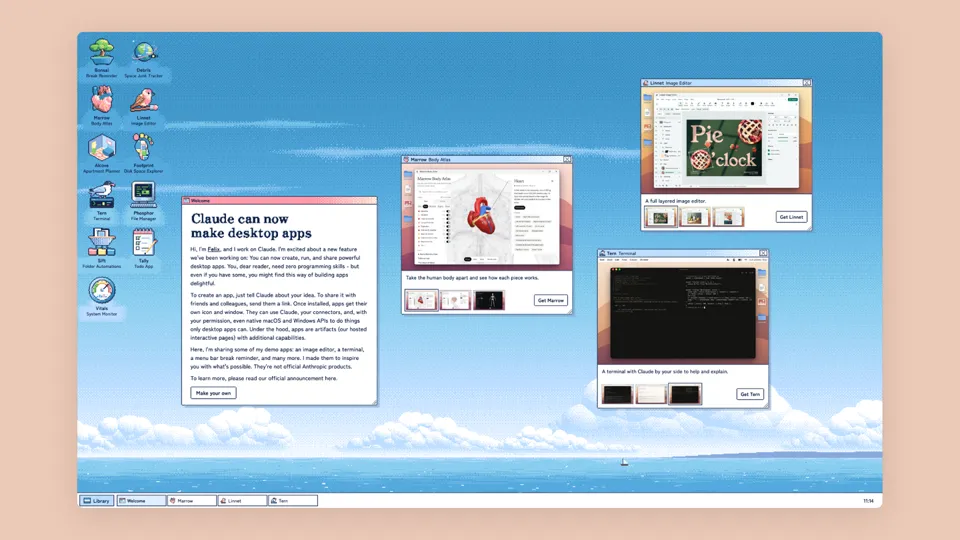
在权限设置方面,用户可以选择默认权限模式,让应用以类似浏览器标签页的方式运行,也可以授予额外的应用权限,允许其发送通知、拦截键盘快捷键以及显示在其他程序窗口之上。
此外,用户还可以为安装的 Artifacts 应用授予完整的计算机访问权限(IT之家注:不同权限配置将影响应用能够调用的系统功能和可执行操作)。
Anthropic 表示,该功能目前处于 Beta 阶段,正在面向 macOS 和 Windows 桌面用户逐步开放。此次更新进一步扩展了 Claude Artifacts 的使用方式,使其不再局限于浏览器内的交互体验。