Simon Willison Releases web-edit: A Tailscale-based Mobile File Editor to Avoid Routing Credentials Through LLMs
Developer Simon Willison released web-edit 0.1a0, a Python web app designed to allow editing sensitive configuration files from mobile devices without routing credentials through an LLM. The tool enables users to browse and edit local folder files via the Tailscale network, bypassing the need to send API keys or secrets to large language models for processing. Built with assistance from Codex and GPT-6, this lightweight utility is currently in early alpha stage.
Related Entities
Full Report
Release: web-edit 0.1a0
I was working on a project from my phone using Codex Remote when I found myself wanting to edit a credentials file without round-tripping those credentials through the LLM itself.
So... I had Codex and GPT-6 Astra Extra High build this Python web app which provides a web UI for viewing and editing files in a folder. It's intended to be run over Tailscale, so I can have an agent start this running and then edit files via my Tailscale network directly from my phone.
Here's the interface for browsing files in a folder:
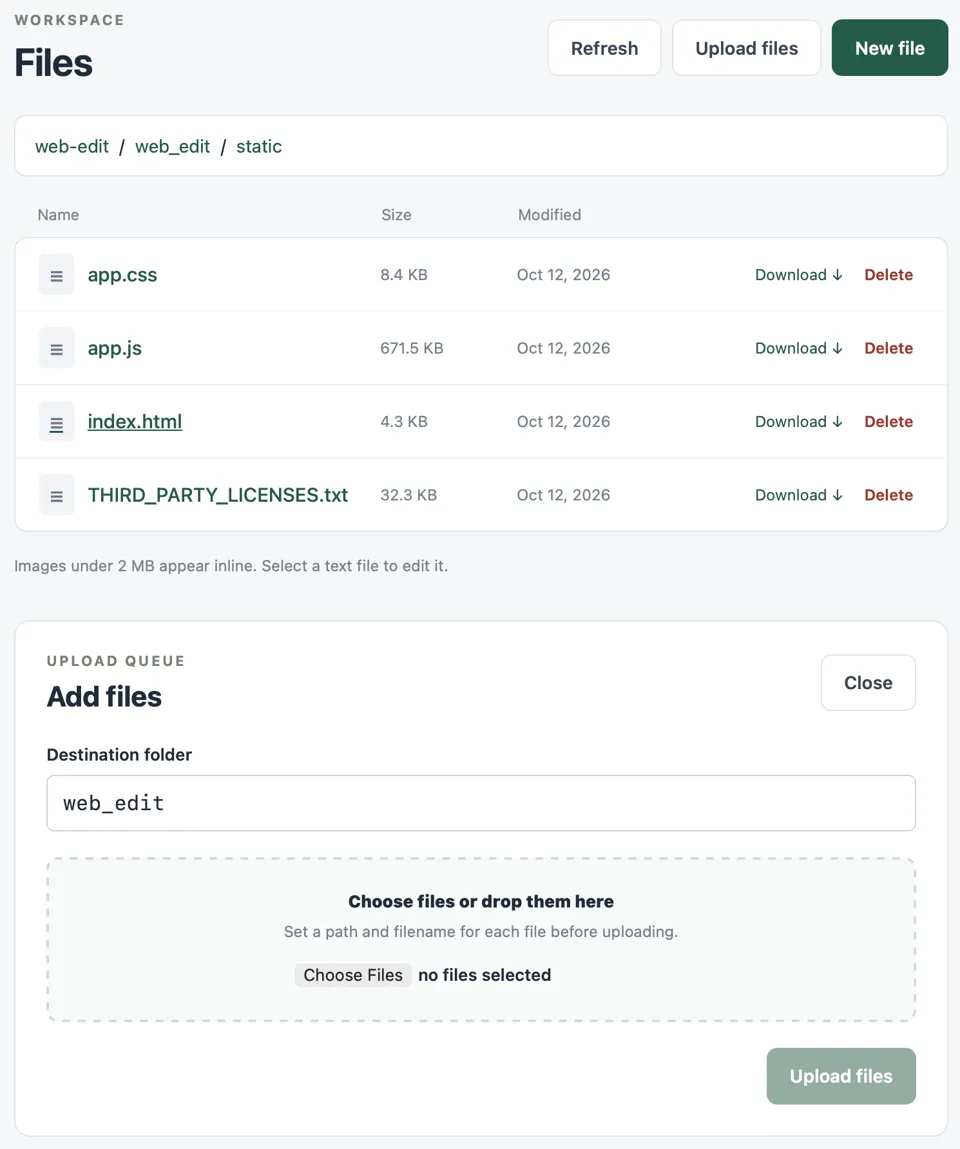
Editing uses CodeMirror 6 - I was going to use Monaco but that still doesn't have a great mobile experience yet.
Tags: projects, python, ai, tailscale, generative-ai, llms, codex