CorridorKey 2.0 发布 本地一键抠像支持多软件
Corridor Digital 推出 CorridorKey 2.0,这是一款基于 AI 的本地运行抠像插件,旨在通过一键操作解决绿幕/蓝幕及复杂边缘(如头发、半透明物体)的抠像难题。该工具支持 DaVinci Resolve、Nuke、After Effects 等主流后期软件,采用买断制而非订阅模式,对硬件有一定要求(推荐 RTX 30 系列及以上显卡)。
报道正文
本文目录16 个章节
Perfect keys are now one click away. CorridorKey 2.0 (CK2.0) removes the struggles of working with green and blue screens, solving even the hardest keys with one click - all while running locally in your VFX/editing program of choice. Resolve, Nuke, After Effects, Premiere, Blender - one purchase gets you EVERY plugin. NO SUBSCRIPTION.
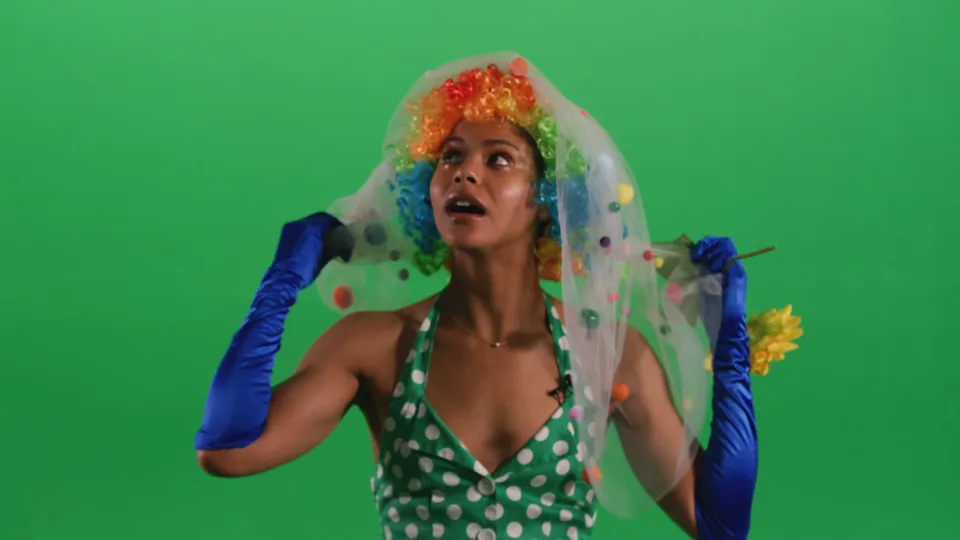
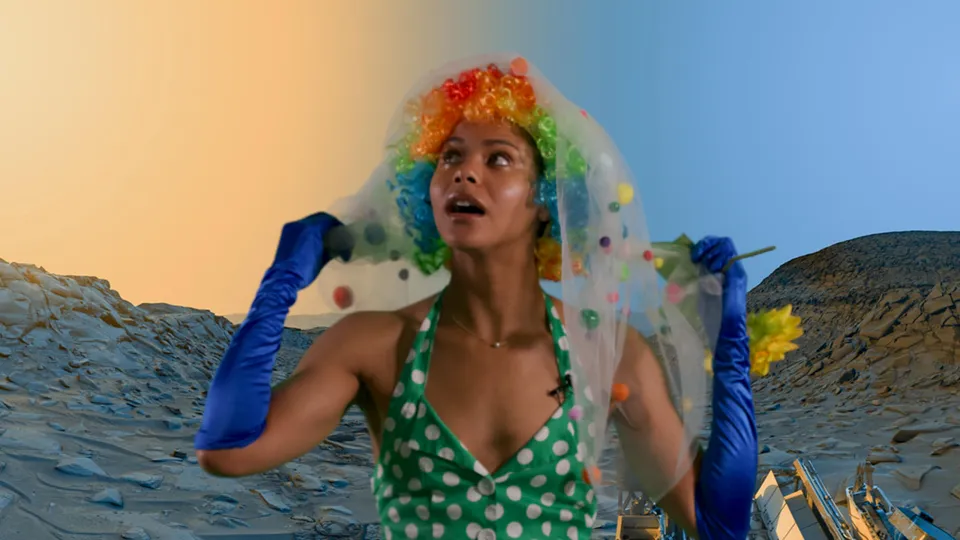
Clown shot: show before or after keyingBeforeAfter

This is Corridor Digital’s first official plugin release. After the success of CorridorKey 1.0, we teamed up with Alê Alvaro (plugin development) and Zachary Harris (model design and training) to make CorridorKey accessible in every software package.
Buy once.
Key everywhere.
CorridorKey is ready for YOUR favorite software. CorridorKey is supported on Windows and NVIDIA GPUs.
R
DaVinci Resolve
N
Nuke
Ae
After Effects
Pr
Premiere Pro
Bl
Blender
- Windows
- Mac
Standalone app included

The best tool for bulk shots. We built CorridorKey for the production of Son of a Dungeon, where over 400 VFX shots went through this app. See it in action when it premieres on November 7. Included in your purchase.
Production tested.
Professional output.
- Native 4k (and higher!)
- HDR support
- Floating point color depth.
- Eliminates flicker
- Works on any color background
- Runs on your machine
CorridorKey 2.0 is the de facto keying tool used internally at Corridor. We have not used another keying tool in over six months as nothing else comes close to our results with CK2.0.
Son of a Dungeon


Son of a Dungeon shot 1: show before or after keyingBeforeAfter
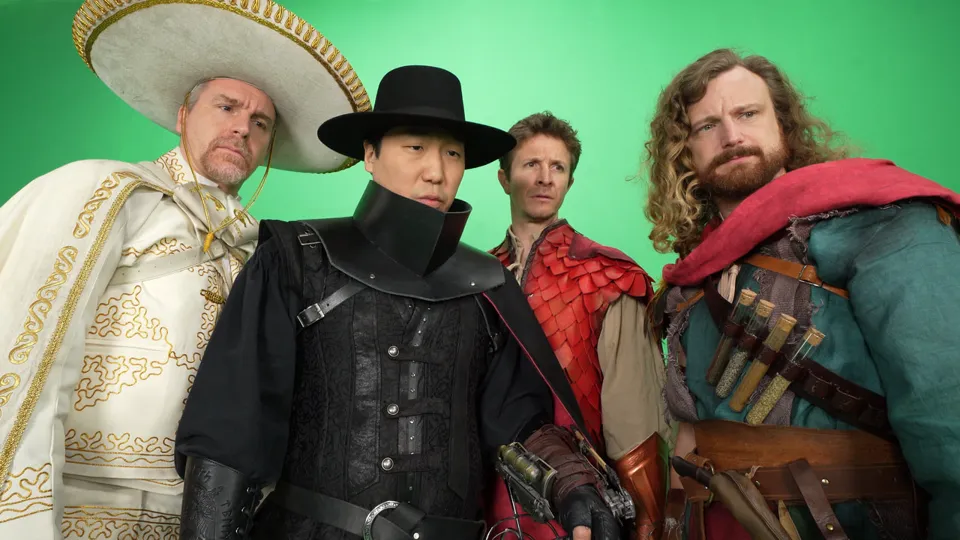

Son of a Dungeon shot 2: show before or after keyingBeforeAfter

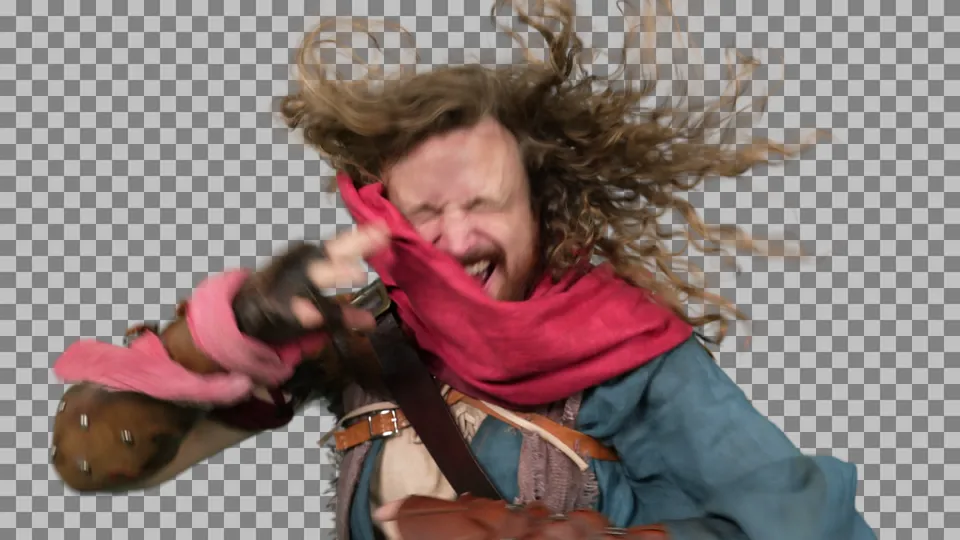
Son of a Dungeon shot 3: show before or after keyingBeforeAfter
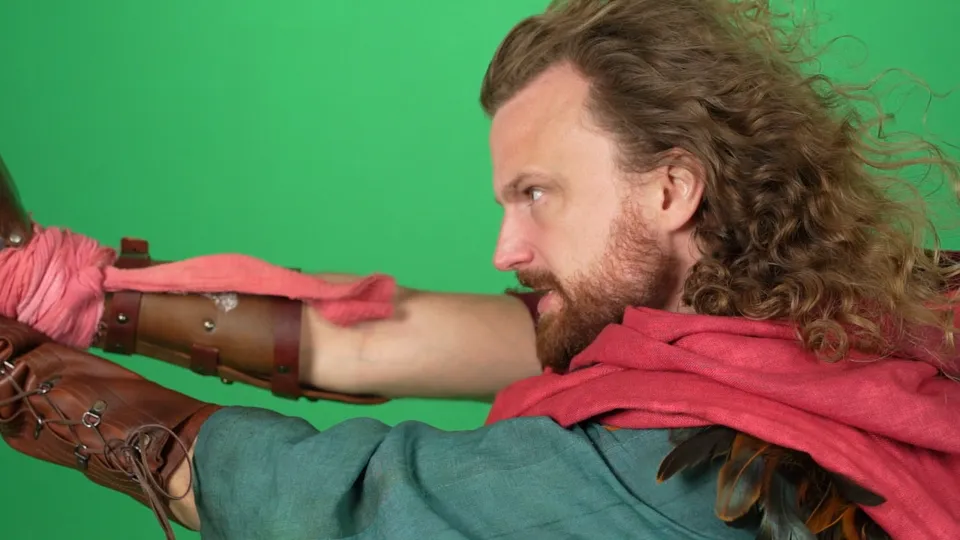
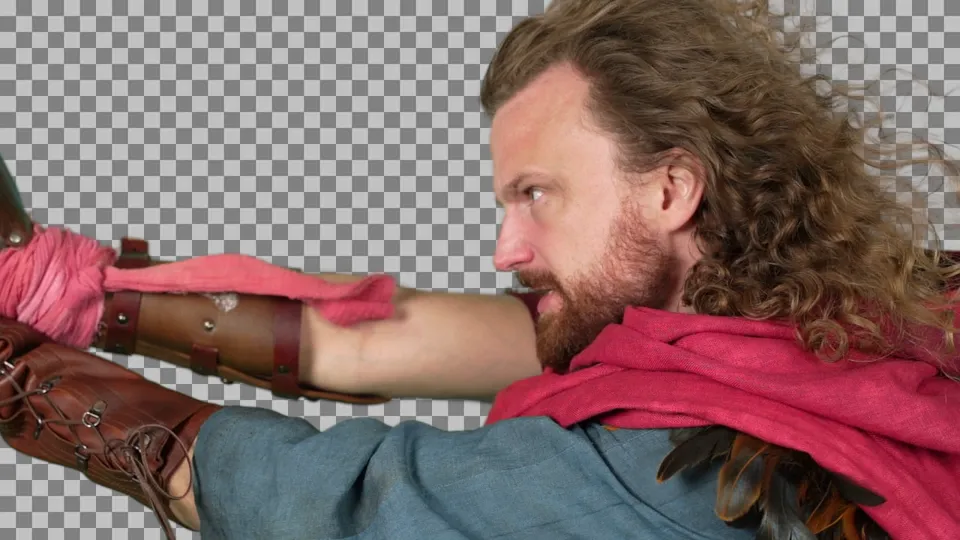
Son of a Dungeon shot 4: show before or after keyingBeforeAfter
Solve the “un-mixing” problem
CorridorKey does something no other tool does - it predicts the color of semi-transparent foreground objects, intelligently removing the background screen color. This gives you perfect motion blur, bokeh, and hair. And unlike other tools, CorridorKey 2.0 has time awareness, eliminating flicker and chattering mattes by analyzing the entire video, not just one frame.

Raw shot

Unmixed result (the blue showing through the transparency has been removed)

Comped on checkerboard
Simple to use
Apply the node
Using CorridorKey is a one click process for most shots. You simply apply the plug-in and it will understand the difference between your background and your subject.
Process time awareness
For enhanced quality, you can run “time awareness” on a shot, which analyzes the whole video clip in order to more effectively separate the background from the foreground. This eliminates the chattering from issues like compression and noise, and it helps preserve ultra-fine details like hair.
Provide a hint
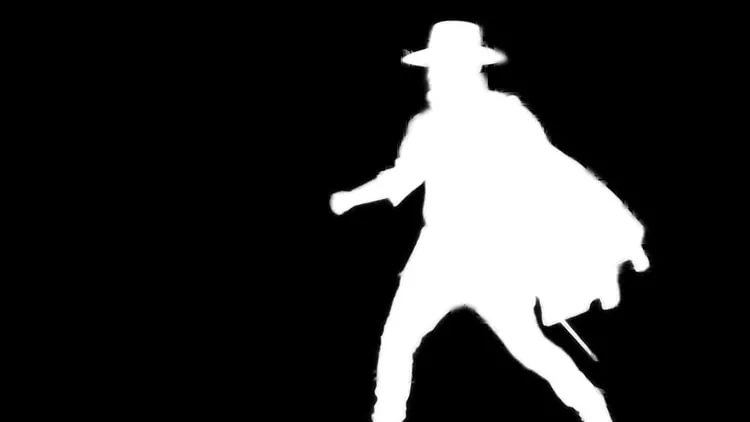
For full control over what’s included or excluded from your shot, simply provide a single black-and-white image or video.
Total artistic control
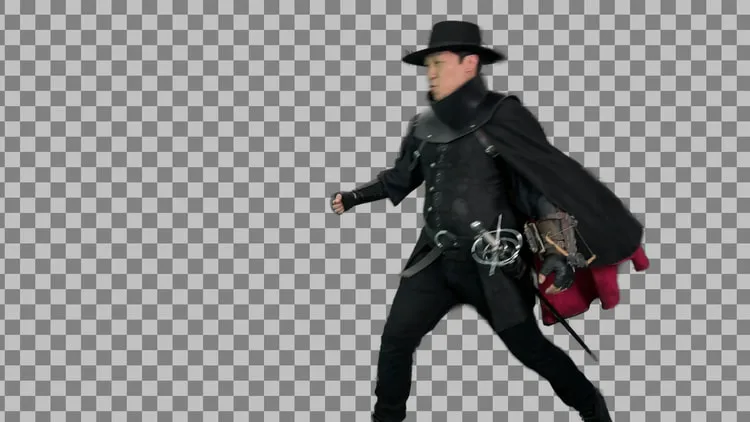
CorridorKey lets the artist dictate what to key, with easy to use AlphaHint inputs. Tracking markers, edges of the screen, and c-stands no longer require garbage masking. You can provide one rough guide frame, or a whole guide video, and CorridorKey understands what you want to keep.

Buy it once. Own it.
Corridor believes artists should be able to own their tools.
Personal99.00Beta price. Goes back to $99.00 on November 21.
- ✓Every host surface: Resolve, Nuke, After Effects, Premiere, Blender
- ✓On Mac, you get the standalone app, the OpenFX plugin, the Blender add-on and, since 2.0.0.146, the After Effects and Premiere Pro plug-in.
- ✓One person, up to 2 machines on one activation
- ✓Move a machine yourself, no support ticket
- ✓Lifetime updates on the 2.x line
- ✓14-day money-back guarantee, no questions asked
Not on sale yet. CorridorKey 2.0 goes on sale with the official launch.
Not on sale in your country yet.
Checkout couldn't open right now. Please try again in a moment, or contact support.
Needs a Windows PC with an NVIDIA RTX graphics card, or an M-series Mac on macOS 14 or newer. It doesn't run on Intel Macs, and AMD graphics and Linux aren't supported yet. See the hardware requirements.
Studio$42.50per seat$85.005 to 24 seats · volume pricing · 25+ negotiatedFounder pricing per seat. Back to $85.00 on November 21.
- ✓One license for the whole team: 5 to 24 seats, one machine per seat
- ✓Reassign seats across the team anytime
- ✓Central billing, one invoice
- ✓Priority support channel
One-time purchase · 2 machines · 14-day money-back guarantee, no questions asked
BETA Founder pricing is pre-applied at checkout, no code to remember. Optional code CK2BETA if you have it. Beta price offer runs through November 20. Code expires on its own.
Hardware Requirements:
- GPU: NVIDIA RTX 30 series or newer (recommended)
- RTX 20 series (beta): works in our tests so far, still being validated
- GPU memory: 4 GB for shots up to 1440p. 6 GB for 4K.
- System: Windows 11, or Windows 10 22H2
- Mac: M-series, macOS 14 or newer
- AMD GPUs: planned
- Linux: planned